
Download Flash Slideshow Factory – slideshow maker, photo slideshow, image presentation, creative slideshow, digital memory, family slideshow, event slideshow, photo album, visual storytelling, memory maker
Overview
Flash Slideshow Factory is a specialized productivity tool designed to transform personal photo collections into dynamic, visually engaging presentations. The app enables users to create compelling image presentations that celebrate life’s memorable moments, making it ideal for families, event planners, and individuals seeking to preserve personal memories in a creative format. By turning static photos into animated slideshows, the software supports visual storytelling, helping users share emotional narratives through digital media. Its primary function lies in simplifying the process of assembling and customizing photo sequences with minimal technical effort.
The target audience includes anyone who values personal photo curation, from amateur photographers to grandparents sharing family history. It is particularly useful for creating digital albums for weddings, birthdays, vacations, or holiday gatherings. The app’s focus on customization and format flexibility enhances its utility across different personal and social contexts. While the developer, Flash Slideshow Factory, is listed as the provider, no additional background or company history was made available. The app was released on April 1, 2020, positioning it as a mature tool with established functionality in the digital memory space.
Within the broader app ecosystem, Flash Slideshow Factory fills a niche for users who want more than basic photo viewing. It provides a structured yet creative environment for organizing images, applying effects, and exporting results in multiple formats. This functionality supports both personal enjoyment and public sharing, contributing to the growing trend of digital storytelling on personal devices and online platforms.
Key Features & Functionality
- Extensive Image Support: Users can include as many images as needed in a single slideshow, enabling the creation of comprehensive visual narratives. This feature is especially useful for long-term memory preservation, such as documenting a child’s growth or chronicling a multi-day vacation.
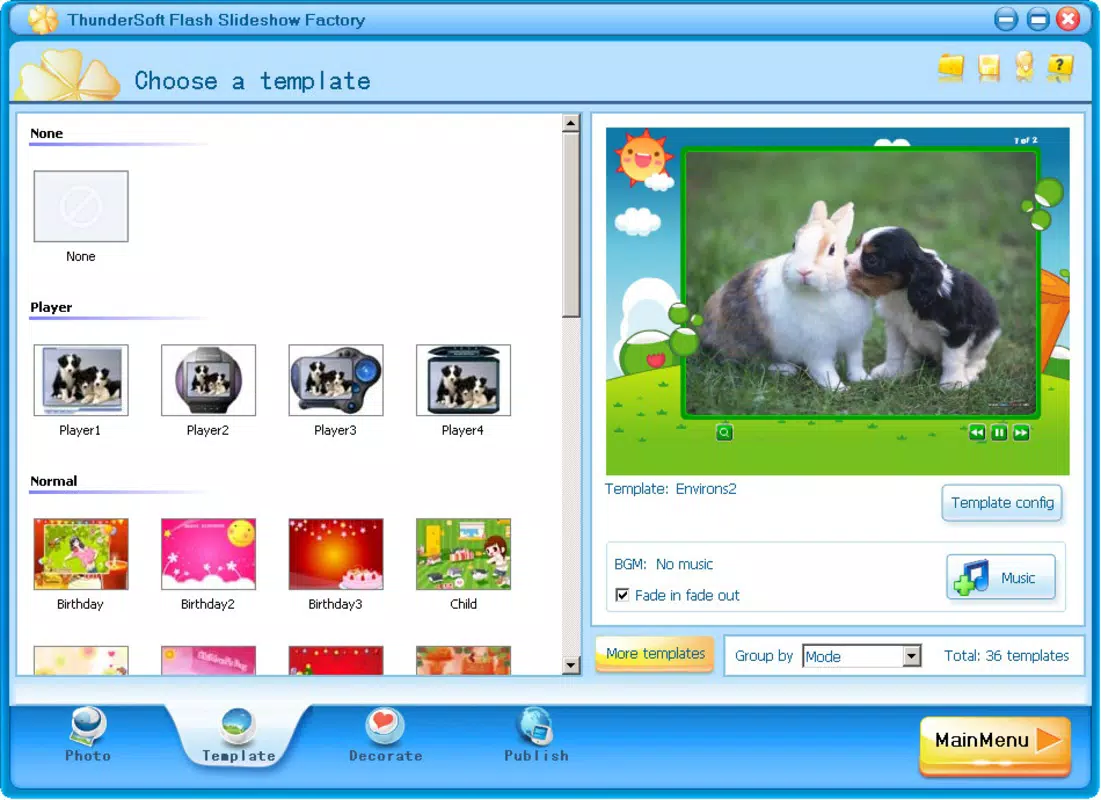
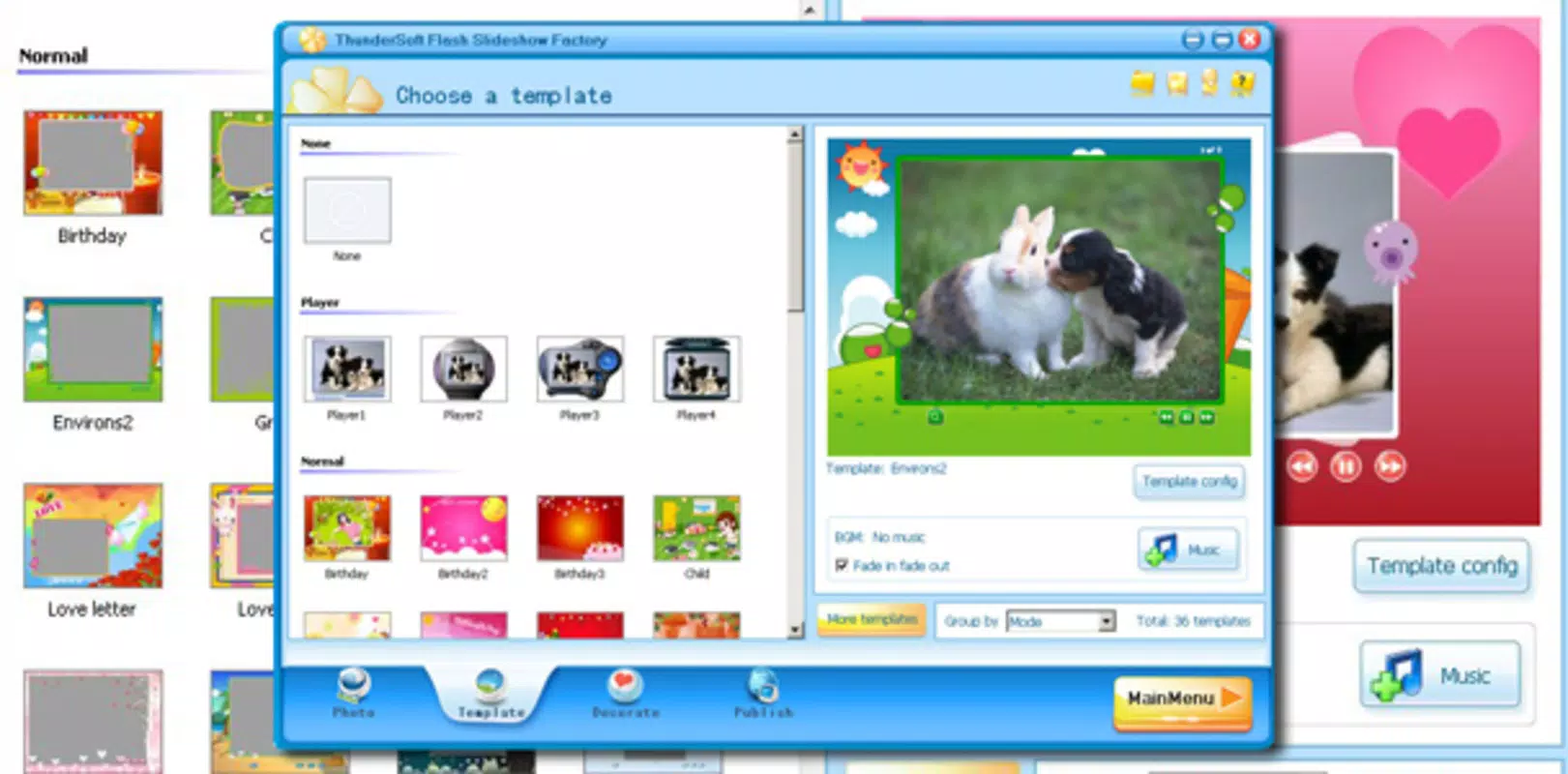
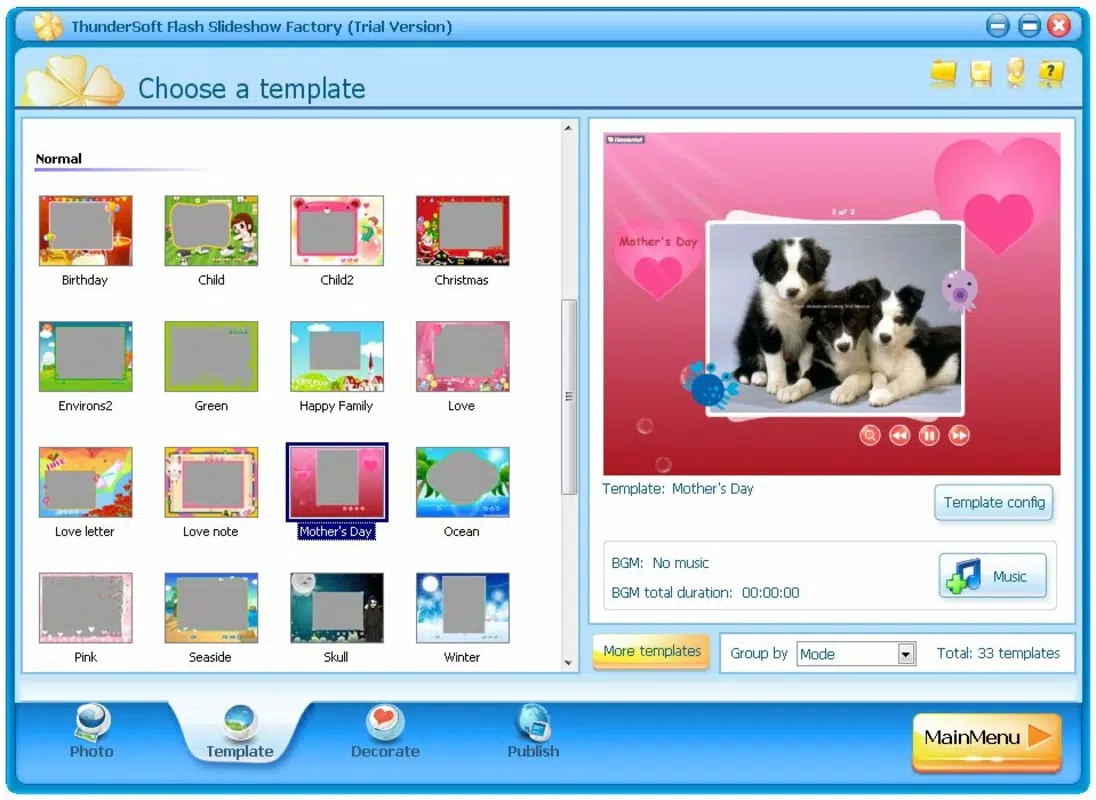
- Over Thirty Custom Borders: The app offers a diverse selection of borders tailored to various themes—seasonal, festive, modern, and classic—allowing users to match the visual style to the occasion, such as a Christmas-themed slideshow or a minimalist presentation for a professional event.
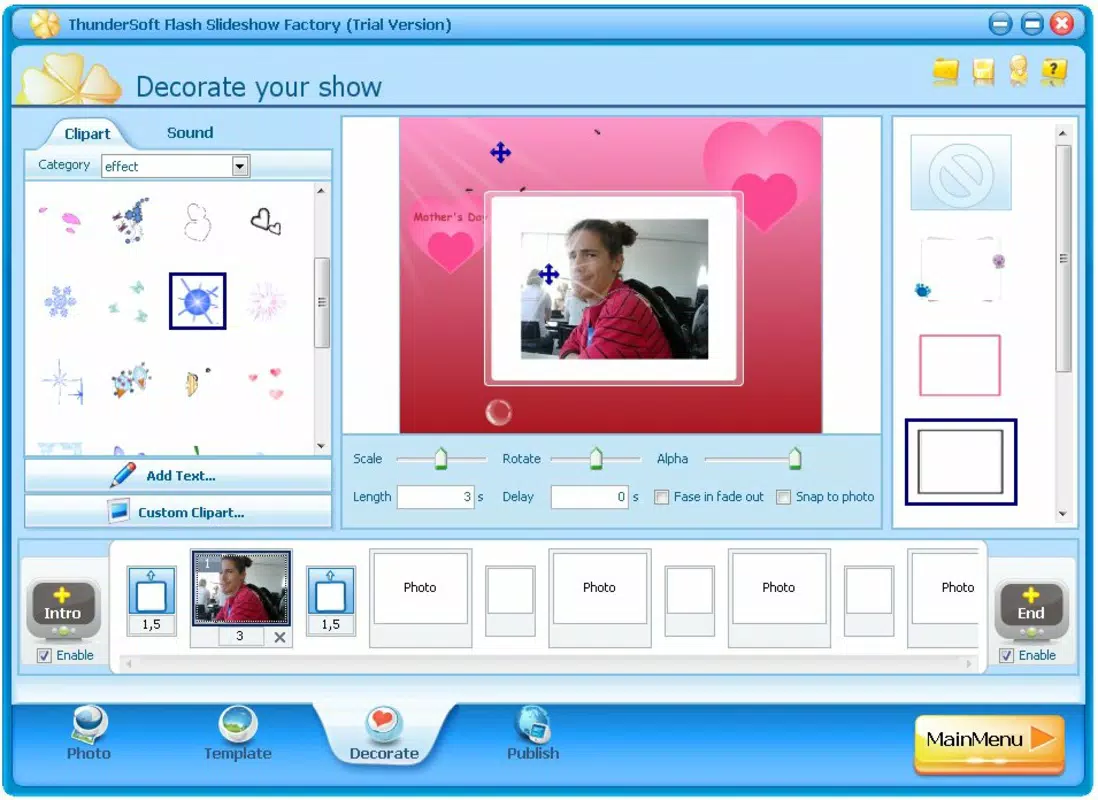
- More Than Fifty Special Effects: A rich library of dynamic effects, including transitions, zooms, fades, and animations, can be applied to individual images or entire sequences. These effects enhance engagement and give slideshows a polished, professional appearance.
- Multiple Export Formats: Completed slideshows can be saved in SWF, HTML, and video formats, offering compatibility with web platforms, standalone players, and mobile devices. This versatility ensures that shared content can be viewed across different environments without loss of quality.
- Screensaver Creation: Users can convert their slideshow into a screensaver, allowing personal photos to be displayed automatically when the computer is idle. This feature adds a personalized, ambient touch to home or office workspaces.
Each feature is designed to support real-world use cases. For example, a user creating a birthday tribute can apply a celebratory border, use animated transitions, and export the result as a video to share via email or social media. Similarly, a family historian might compile decades of photos into a single presentation using consistent effects and borders to maintain visual cohesion.
Interface, UX & Performance
Flash Slideshow Factory presents a clean, intuitive interface optimized for image-based workflows. The layout centers around a central preview window, flanked by navigation panels for managing media, applying effects, and adjusting settings. Users can drag and drop images into the timeline, with real-time previews allowing immediate feedback on layout and animation choices. Navigation is straightforward, with clearly labeled tabs and toolbars that reduce the learning curve for new users.
The visual style leans toward functionality over ornamentation, prioritizing clarity and ease of access to core tools. Color-coded indicators help users track the status of each slide, and the timeline view allows for precise control over timing and sequence. Although the developer did not list formal performance metrics, the app’s 10.2 MB size suggests efficient resource usage, and its stability is implied by its long-standing release date. Responsiveness is expected to be consistent across mid-range and higher-end Windows systems, though performance may vary on older hardware.
Stability appears to be well-maintained, with no reported issues in the provided data. The app’s lightweight design likely contributes to smooth operation even when handling large image sets. Users can expect minimal lag during editing, and the interface remains responsive during effect application and preview playback.
Platform Compatibility & Technical Requirements
Flash Slideshow Factory is designed for the Windows platform, making it accessible to users on desktop and laptop systems running Windows operating systems. The app’s version is 1.0.0, and it has a file size of 10.2 MB, indicating a compact installation footprint. This small size suggests minimal system resource consumption, which is beneficial for users with limited storage or older machines.
However, the developer did not specify minimum OS requirements or compatibility details beyond the platform. As such, users should verify whether the app runs on their specific Windows version—such as Windows 7, 8, 10, or 11—before installation. No information was provided about hardware requirements, driver dependencies, or support for touch interfaces. Compatibility with modern Windows features like high DPI scaling or dark mode remains unconfirmed.
Pros and Cons
- Supports unlimited image input for comprehensive memory projects
- Offers over 30 customizable borders for thematic presentation
- Includes more than 50 special effects to enhance visual engagement
- Exports to multiple formats including SWF, HTML, and video
- Allows creation of personalized screensavers for continuous photo display
- Only available for Windows, limiting accessibility to non-Windows users
- Price point of $29.95 may be considered high for casual users
- No information on updates or future development plans
- Compatibility with newer Windows versions not explicitly confirmed
- Does not support mobile platforms or cloud integration
FAQ
Is Flash Slideshow Factory safe to download and install?
The app is available through official channels and has been released with a stable version. As with any software, users should ensure they download from trusted sources to avoid potential risks.
Can I use Flash Slideshow Factory on my Mac or mobile device?
Currently, the app is only available for Windows. There is no official support for macOS, iOS, or Android platforms.
What file formats can I export my slideshow to?
Users can save their finished projects in SWF, HTML, and video formats, offering flexibility for online sharing, web embedding, or offline playback.
Is the app free to use?
No, Flash Slideshow Factory is a paid application priced at $29.95. It is not available as a free version or trial.
How often is the app updated?
The developer has not provided information on update frequency. The latest version available is 1.0.0, released in 2020.
Final Thoughts
Flash Slideshow Factory stands out as a focused, feature-rich tool for users who want to elevate their photo presentations beyond basic viewing. Its combination of extensive image support, thematic borders, dynamic effects, and multi-format export makes it a powerful solution for creating meaningful visual stories. While the lack of mobile compatibility and the one-time purchase model may limit its appeal to some, its value is clear for Windows users dedicated to preserving memories through digital artistry.
Those who prioritize personalization, visual impact, and long-term usability will find the app delivers on its promise. Whether used for family events, personal projects, or workspace decoration, Flash Slideshow Factory offers a reliable and creative way to turn photos into lasting experiences.
Download Flash Slideshow Factory now


